FC Passkeys
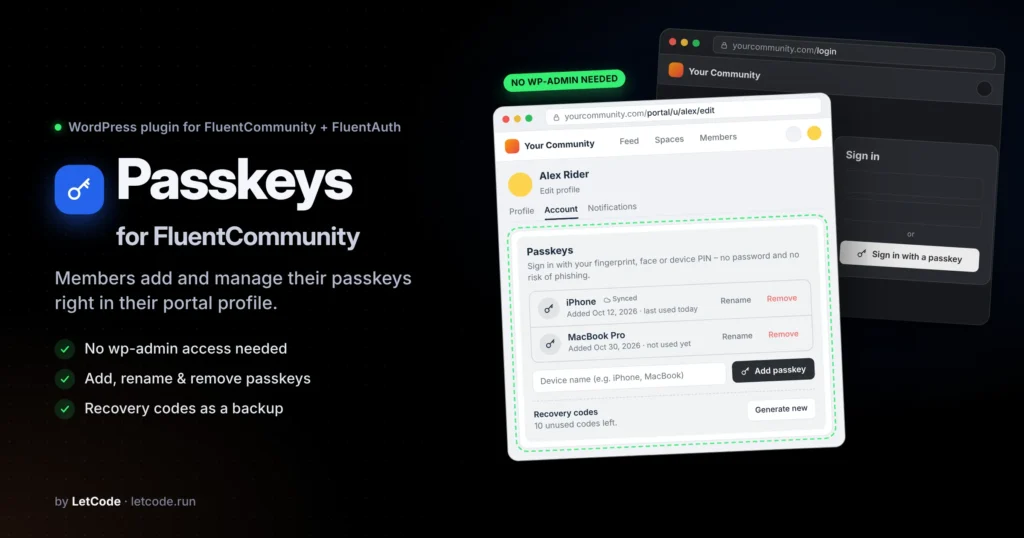
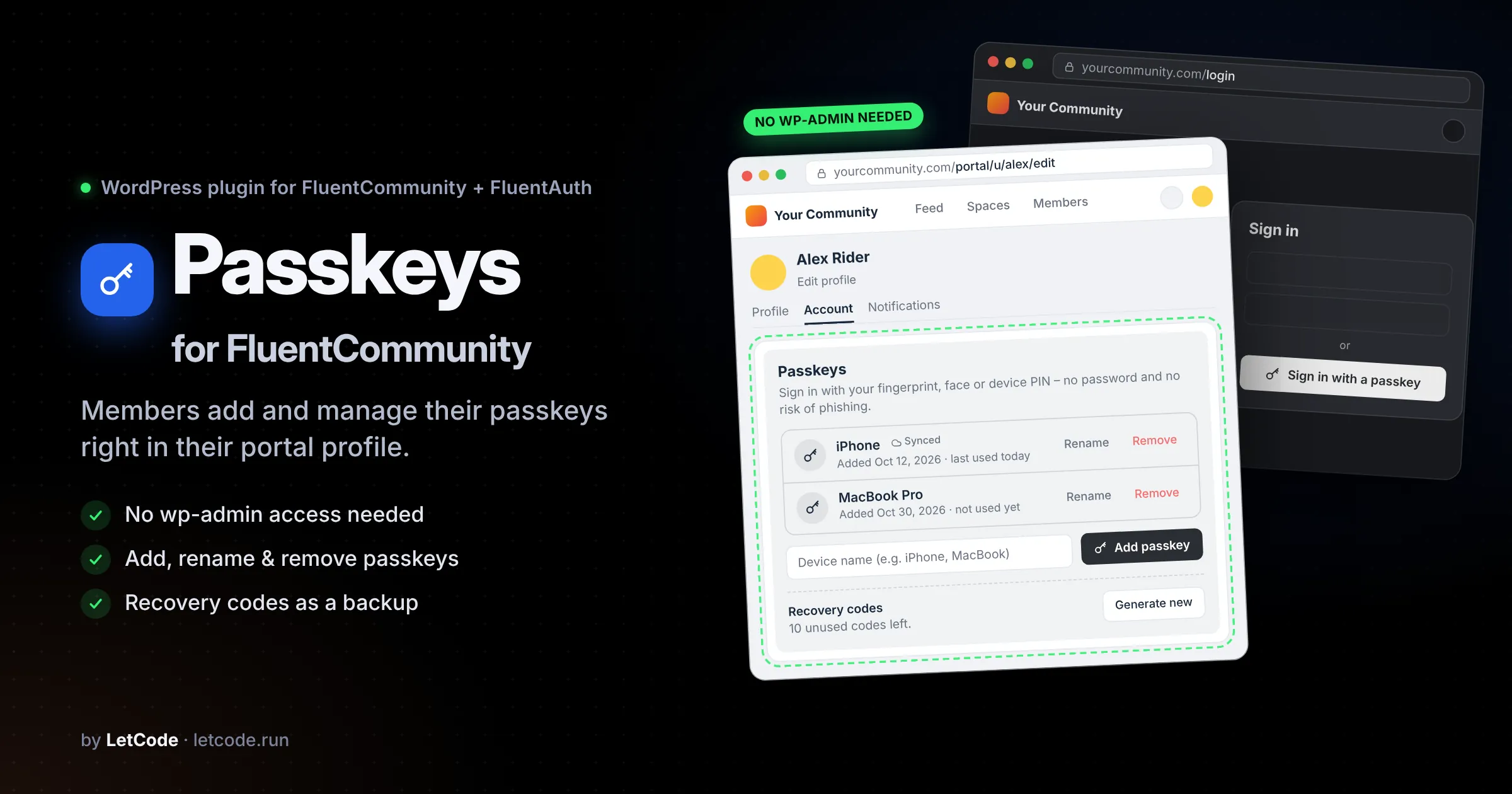
Let your members add and manage their passkeys right in their FluentCommunity profile – no wp-admin access needed.
Passwordless sign-in your members can actually set up.
FluentAuth brings passkeys to WordPress: members sign in with their fingerprint, face or device PIN, with no password and no risk of phishing. There’s one catch for communities. Passkeys can only be added on the WordPress profile screen in wp-admin, and most FluentCommunity sites rightly keep members out of wp-admin.
Passkeys for FluentCommunity removes that barrier. It adds a Passkeys card to the member’s “Edit profile” page in the portal, so everyone can manage their passkeys where they already manage the rest of their account.
Everything members need, inside the portal
- Add a passkey with one click and give it a device name (iPhone, MacBook…)
- See all passkeys with the date added, last use and a “Synced” badge for passkeys stored in iCloud Keychain, Google Password Manager and similar
- Rename or remove passkeys at any time
- Recovery codes: shown once after the first passkey as a backup, with copy and .txt download, and can be regenerated anytime
- Clear messages when a browser can’t create passkeys or the attempt is cancelled
Built on FluentAuth, not around it
Everything runs through FluentAuth’s own classes. The passkeys are the very same ones as in wp-admin and work on every login form FluentAuth covers. No extra tables, no duplicate settings. You keep configuring passkeys in FluentAuth → Settings.
Private and secure by design
- The card and its data are visible only to the profile owner. Nothing appears on public profiles.
- No endpoint accepts a user ID, so every action targets the signed-in member’s own account only.
- All requests are nonce-protected, and logged-out visitors get no script and no endpoints.
- Only passkeys can be renamed or removed. Other factors (authenticator app, recovery codes) can’t be touched through the card.
- Credential IDs and public keys are never sent to the browser.
And more
- Matches your FluentCommunity color scheme, light and dark mode
- Translation-ready: English and Czech included, .pot file for Loco Translate or Poedit
- Developer hooks to change texts or skip automatic recovery codes
- Automatic updates from the WordPress dashboard with an active license
Requirements: WordPress 6.0+, PHP 7.4+, HTTPS, FluentCommunity 2.11+, FluentAuth 3.1+ with passkeys enabled.
0 Reviews
Unable to load reviews. Please try again later.
No reviews yet. Be the first to write a review!
Related Products
FC Fast Nav
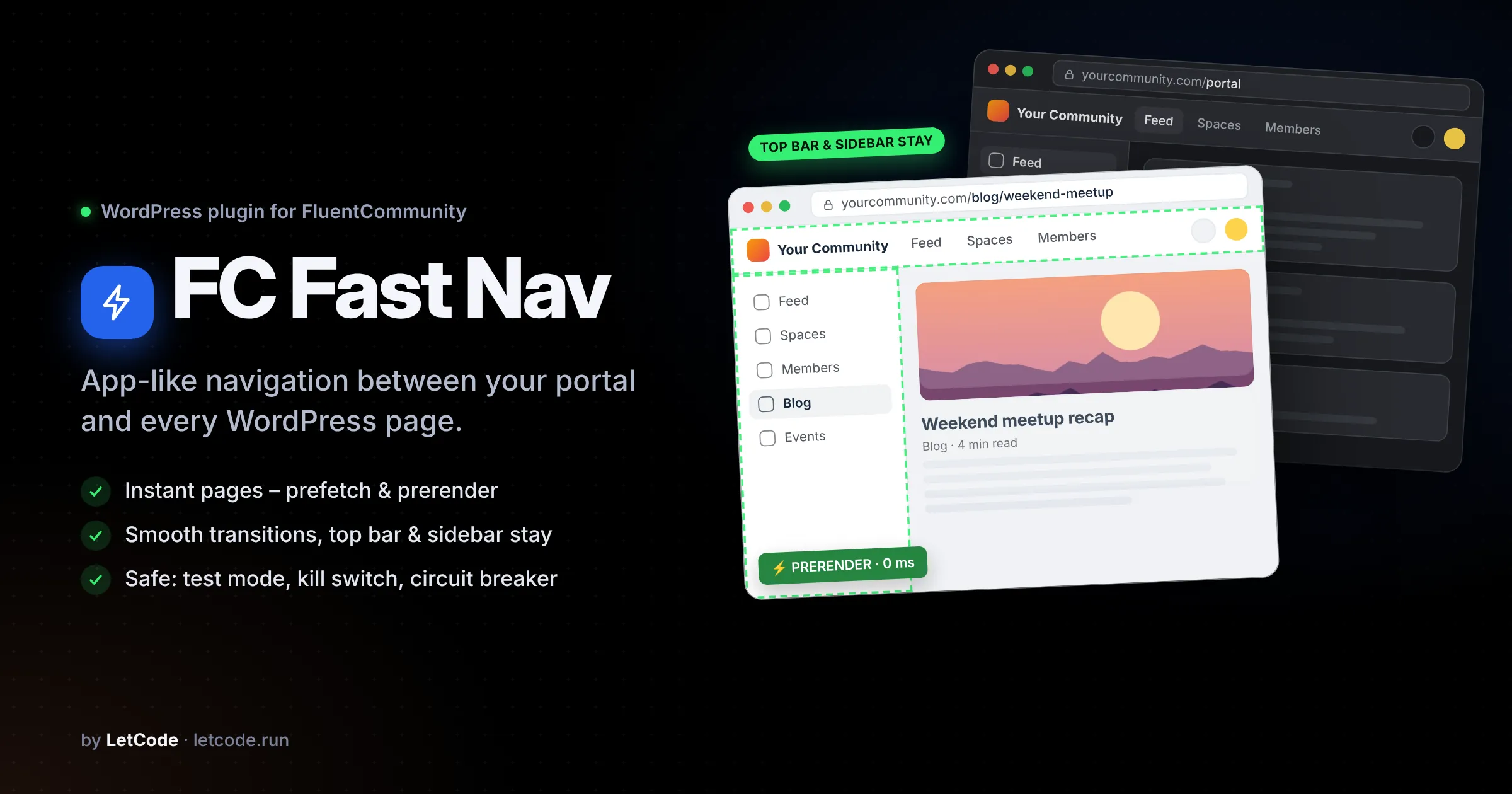
Make every page of your FluentCommunity site feel as fast as the portal – instant prefetch & prerender and smooth, app-like page transitions.
FC Modal Auth
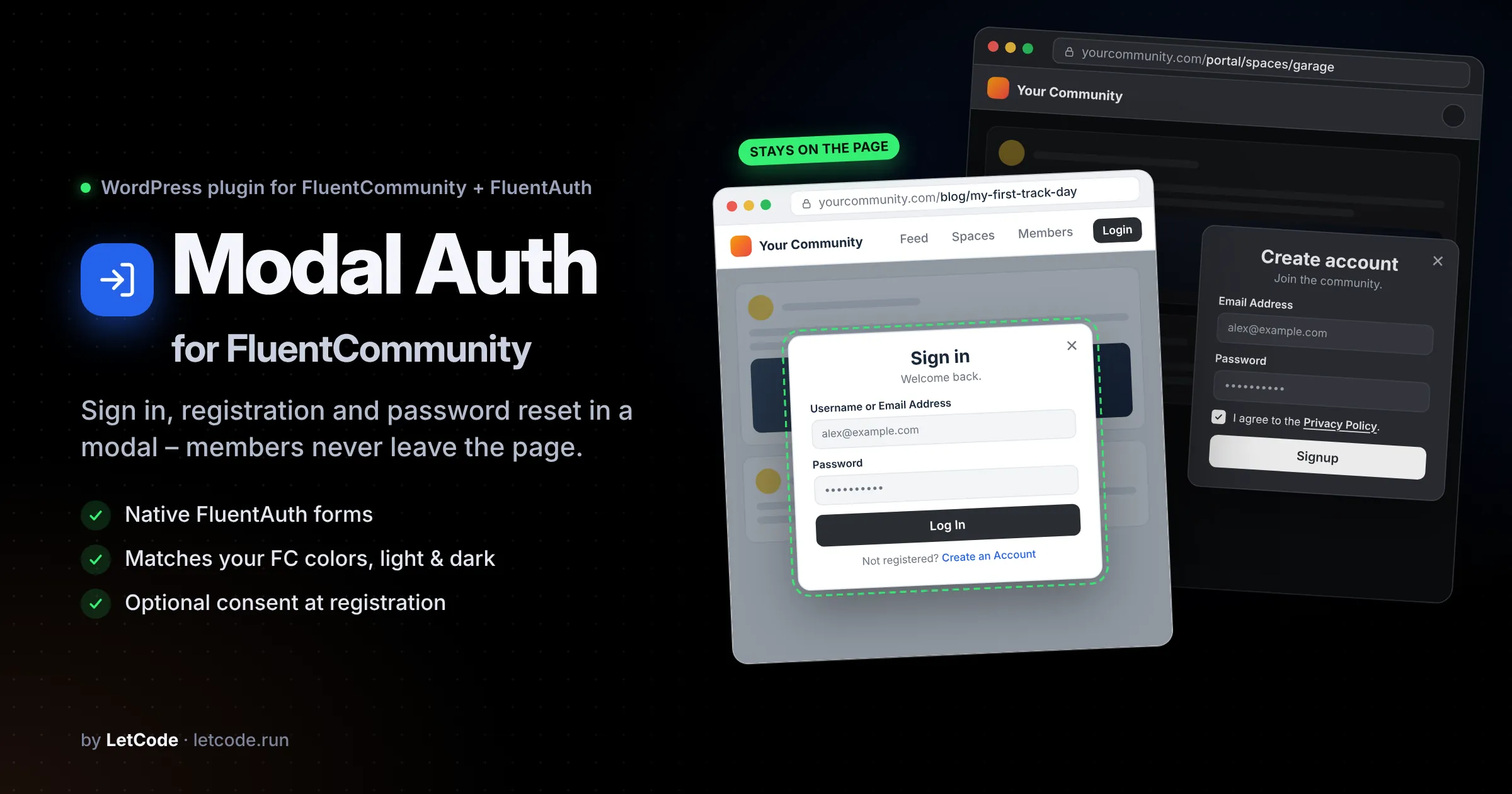
Sign in, registration and password reset in a modal on the current page. FC Modal Auth opens the native FluentAuth forms in a clean popup on any page, in the FluentCommunity portal and instead of wp-login.php. It matches your community’s colors in light and dark mode.
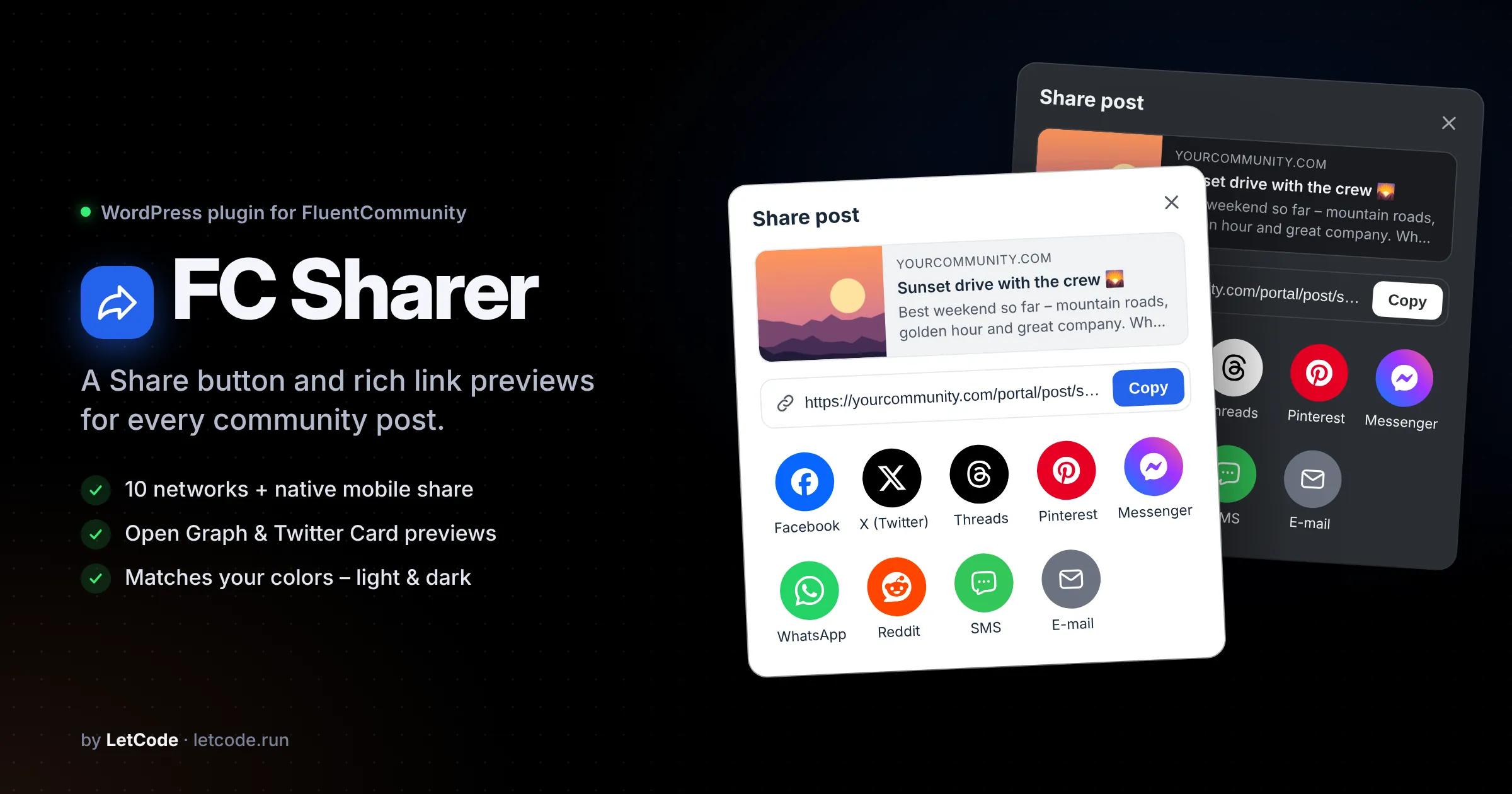
FC Sharer
Add a Share button to every FluentCommunity post – with a clean share dialog, rich Open Graph previews and colors that match your community, light and dark.